
Date: 2026-04-15
If you’ve ever wanted to build a gadget but felt intimidated by the thought of soldering irons and permanent mistakes, let me introduce you to your new best friend: The Breadboard.
I remember the first time I tried to build a simple LED flasher. I had wires everywhere and no idea how they were actually "talking" to each other. Learning how to use a breadboard is the single biggest "level up" for any electronics hobbyist. It’s essentially a sandbox where you can plug, play, and—most importantly—fail without breaking anything.
The name sounds weird, right? Back in the day, engineers literally used wooden boards meant for slicing bread to hammer in nails and wrap wires around them. Thankfully, modern ones are made of plastic and are much more "finger-friendly."
A breadboard is a solderless device used for temporary circuits. You can stick a component in, test it, and pull it out a second later. No heat, no mess, no stress.
The biggest mistake beginners make is thinking every hole is connected to every other hole. It’s not. Inside the plastic shell are rows of metal clips. When you push a wire into a hole, that clip grabs it. These clips run in specific directions. If you understand these invisible "highways," you’ve mastered 90% of breadboarding.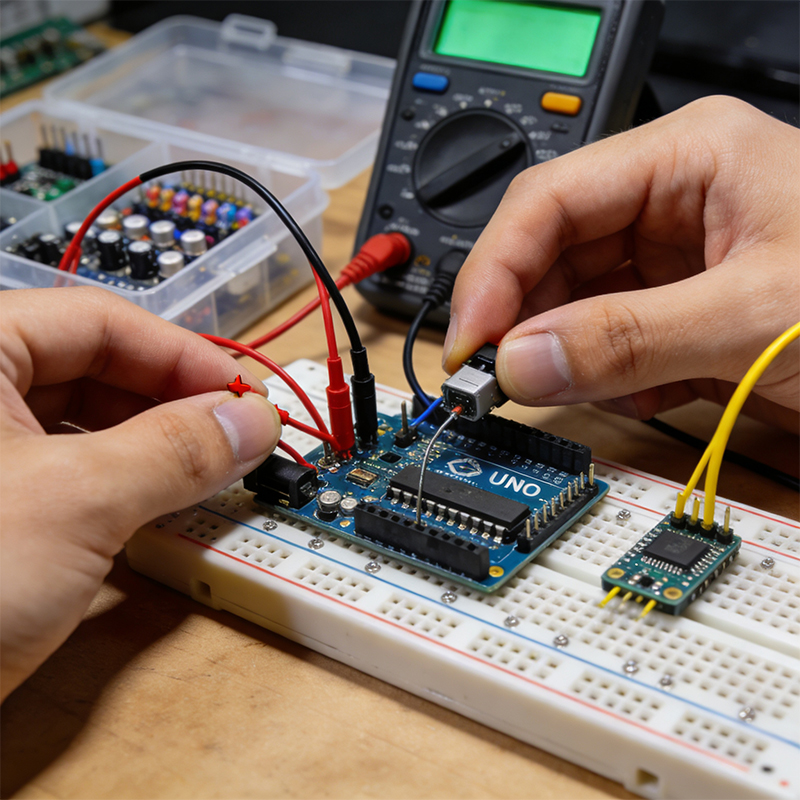
Standard breadboards are divided into two main zones:
Power Rails (The Sidewalks): Usually marked with red (+) and blue (-) lines. These run vertically (top to bottom). They are like the plumbing in your house; they deliver power to the whole board.
Terminal Strips (The Main Streets): These are in the center and run horizontally. This is where your resistors, LEDs, and chips live.
The Ditch (The Great Divide): Notice that gap in the middle? That’s specifically designed so you can plug in Integrated Circuits (ICs) without shorting the pins on both sides.
Let's keep it simple. To light an LED, you need three things: a power source (battery), a resistor (to keep the LED from exploding), and the LED itself.
Power the Rails: Connect your battery’s red wire to the red (+) rail and the black wire to the blue (-) rail.
Bridge the Gap: Use a jumper wire to bring power from the rail to a row in the terminal strip.
Add the Parts: Plug your resistor and LED in series. Make sure the long leg of the LED (the anode) is facing the positive side!
If your circuit is dead, don't panic. Check these three things:
The Power Gap: On some long breadboards, the power rails are split in the middle. You might need a small jumper wire to "bridge" the left half to the right half.
Backwards Components: LEDs and capacitors are picky. If they are backwards, they won't work.
The "One-Row" Mistake: Remember, holes in the same row are connected. If you plug both ends of a resistor into the same row, you've just bypassed it (a short circuit).

Kaboer manufacturing PCBs since 2009. Professional technology and high-precision Printed Circuit Boards involved in Medical, IOT, UAV, Aviation, Automotive, Aerospace, Industrial Control, Artificial Intelligence, Consumer Electronics etc..


 English



 Wechat
 +86 13670210335
 +86 13670210335
 E-mail