
Date: 2026-03-27
If you've ever designed a board that worked perfectly in simulation but failed when you actually built it, you've run into the reality of impedance and capacitance. These aren't just textbook concepts. They're the physical forces that determine whether your high-speed signals arrive clean or turn into a mess of reflections and noise.
Here's the thing: at low speeds, you can ignore impedance and capacitance. Wires are just wires. Traces are just traces. But once you start pushing signals above 50 MHz—or dealing with fast rise times—everything changes. The PCB itself becomes part of the circuit. And if you don't understand how impedance and capacitance work together, your board won't work.
Let's talk about what these forces actually are, how they affect your designs, and what you need to do to keep your signals clean.
Impedance is like resistance, but for alternating current. Where a resistor just opposes current, impedance opposes changing current. It's made up of three parts: resistance, inductance, and capacitance.
For a PCB trace, the most important type is characteristic impedance. This is the impedance a signal sees as it travels down the trace. Think of it like the diameter of a water pipe—if the pipe suddenly gets narrower, water reflects back. Same with electrical signals. If the impedance changes anywhere along the trace, part of the signal reflects back toward the source. That reflection causes ringing, overshoot, and data errors.
The standard impedance values you'll encounter are:
50Ω single-ended: The default for most signals. RF, clocks, high-speed digital.
90Ω or 100Ω differential: For USB, HDMI, Ethernet, and other differential pairs.
When you design a board, you don't get to choose these numbers arbitrarily. Your components expect them. A USB chip expects to see 90Ω differential impedance on its traces. If your PCB gives it something else, the signal won't get where it's going cleanly.
Capacitance is the ability to store electrical charge. Every pair of conductors has capacitance between them—two traces running parallel, a trace and a ground plane, a pad and a nearby copper pour. You can't eliminate it. You can only manage it.
On a PCB, unwanted capacitance does two things:
It slows signals down. Capacitance takes time to charge and discharge. The more capacitance a trace has, the longer it takes for a signal to transition from low to high. This can eat into your timing budget.
It creates crosstalk. When one trace switches, it can couple energy into a neighboring trace through their mutual capacitance. That's how a noisy signal can interfere with a quiet one running next to it.
But capacitance isn't always bad. The capacitors you place deliberately—decoupling capacitors, filtering capacitors—are essential for stable power delivery and clean signals. The trick is managing the unwanted capacitance while using the good kind.
Here's where it gets interesting. Impedance and capacitance aren't separate. They're linked.
For a transmission line (which is what your high-speed traces become), the characteristic impedance is determined by the ratio of inductance to capacitance per unit length:
Z₀ = √(L / C)
Where L is inductance and C is capacitance.
This formula tells you something important: if you want to control impedance, you have to control capacitance. Make the trace closer to the ground plane, and capacitance goes up. That makes impedance go down. Make the trace wider, and capacitance goes up. Impedance goes down.
This is why your stackup matters. The distance between your signal layer and the reference plane directly determines the trace width you need for a given impedance.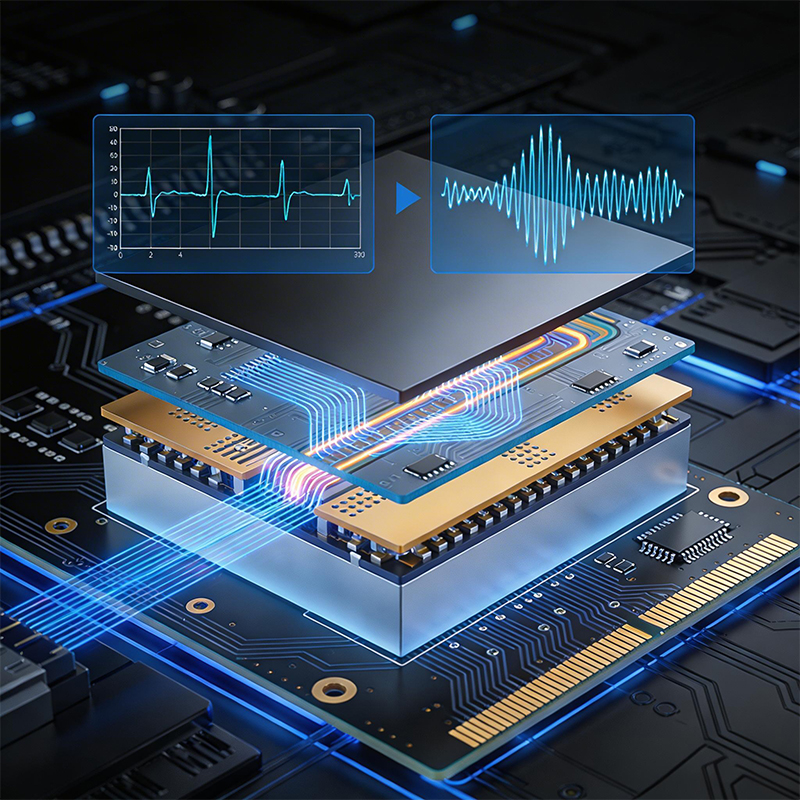
Signal reflections. When impedance changes, signals bounce. A clock signal that should be a clean square wave turns into a ringing mess. Data gets corrupted. The system fails.
Radiated emissions. Reflections don't just stay on the trace. They radiate. Your board becomes an antenna, broadcasting noise that can fail EMC testing.
Crosstalk. When traces are too close, capacitance couples signals between them. A high-speed clock can couple into a sensitive analog line, adding noise where you don't want it.
Timing errors. Capacitance slows signals down. If two traces have different capacitance, their signals arrive at different times. For parallel buses, this can cause data to be sampled incorrectly.
Design the stackup. Before you route a single trace, decide on your layer stackup. For controlled impedance, you need a solid reference plane next to your signal layer—usually ground. The distance between the signal layer and the reference plane determines the trace width you'll need.
Use the right materials. FR-4 works for many designs, but its dielectric constant (Dk) varies with temperature and frequency. For tight impedance control or high-speed signals, you might need materials with stable Dk, like Rogers or Megtron.
Calculate trace widths. Your PCB design software can calculate trace widths for target impedance based on your stackup. But the calculation is only as good as the input. You need accurate data on the dielectric thickness and Dk from your manufacturer.
Match lengths. For differential pairs, the two traces must be the same length. Skew—the difference in arrival time—can ruin differential signaling. Use serpentine routing to match lengths.
Avoid discontinuities. Vias change impedance. Connectors change impedance. Component pads change impedance. Keep these to a minimum, and when you can't avoid them, design them carefully.
Test. After your boards come back, measure impedance. Time Domain Reflectometry (TDR) can show you exactly where impedance changes along your traces. If it's off, you need to adjust your design.
Keep traces apart. The closer two traces are, the higher the mutual capacitance. Standard practice is the 3W rule: keep traces at least three times their width apart to reduce crosstalk.
Use ground planes. A solid ground plane under your signals provides a low-inductance return path and reduces coupling between traces. It also gives you controlled capacitance for impedance.
Watch your via stubs. Vias that go through the board create stubs—unused portions of the via barrel. These stubs add capacitance and can cause resonances. Back-drilling removes them.
Place decoupling capacitors correctly. Decoupling caps need to be close to the IC power pins. The trace inductance between the cap and the pin matters. Keep it short.
Avoid unnecessary copper. Copper pours that aren't connected to ground can act as antennas. If you're not using a copper area, remove it.
As frequencies climb, impedance and capacitance become even more critical. At 10 GHz and above, even small variations in trace geometry or material properties can cause problems.
HDI boards use microvias and fine lines to pack more routing into less space. But these features also have higher capacitance. You need to account for that in your stackup.
High-frequency materials like Rogers have stable dielectric constants and low loss. They're more expensive, but for millimeter-wave applications, they're essential.
Flexible circuits introduce another variable: flex materials have different dielectric constants than rigid FR-4. If you're mixing rigid and flex sections, you need to account for the transition.
At Kaboer, we've been building custom PCBs since 2009. Based in Shenzhen with our own PCBA factory, we understand that impedance and capacitance aren't just math problems—they're the difference between a board that works and one that doesn't.
What we offer:
Stackup design assistance. Not sure what stackup you need for your impedance targets? We'll help you design one that works with your layer count and board thickness.
Material expertise. We work with standard FR-4, high-Tg materials, Rogers, PTFE, and everything in between. We'll help you choose the right material for your speeds.
Precision manufacturing. Our processes are calibrated for controlled impedance. We verify with TDR testing to ensure your traces meet spec.
HDI capability. Microvias down to 2mil, fine lines, and advanced stackups for high-speed designs.
Flexible and rigid-flex. We understand how flex materials affect impedance and capacitance, and we design accordingly.
If you're working on a high-speed design and want to make sure your impedance and capacitance are under control, send us your requirements or Gerber files. We'll review your design, give you honest feedback, and get back to you with a quote. We've been at this for over 15 years, and we believe the best partnerships start with straightforward conversations.
And if you're ever in Shenzhen, we'd be happy to show you around our factory and walk you through how we build boards that keep signals clean.

Kaboer manufacturing PCBs since 2009. Professional technology and high-precision Printed Circuit Boards involved in Medical, IOT, UAV, Aviation, Automotive, Aerospace, Industrial Control, Artificial Intelligence, Consumer Electronics etc..


 English



 Wechat
 +86 13670210335
 +86 13670210335
 E-mail