
Date: 2026-05-12
You’ve got a diode in your hand. It looks like a small cylinder with a silver stripe on one end. Or maybe it’s a tiny black surface-mount part with a line on top. You know it has to go in a certain direction, but which way? And what happens if you put it in backwards?
Let’s talk about diode direction in plain English. No complicated physics. Just what you need to know to get it right every time.
What Is a Diode, in One Sentence?
A diode is a one-way valve for electricity. It lets current flow easily in one direction, and blocks it almost completely in the opposite direction.
Think of it like a check valve in a water pipe. Water can flow through the valve one way. Try to push it backwards, and the valve slams shut.
That’s the diode’s superpower. And that’s why direction matters – if you put it in backward, your circuit won’t work, or worse, it might fry something.
How to Tell Which Way a Diode Points
Most diodes have a clear visual mark. Here’s what to look for.
Through-hole diodes (the kind with two long leads)
These look like small cylinders with wires coming out of both ends. On the body, you’ll see a silver or colored band around one end. That band marks the cathode (negative side).
The end with the band = cathode (negative, “k”)
The end without the band = anode (positive, “a”)
Current flows from the anode to the cathode. So if you put the anode toward the positive voltage and the cathode toward the negative, current goes through. Put it the other way, and nothing flows.
Surface-mount diodes (tiny, no wires)
These are even smaller. They usually have a line or a colored stripe on top of the plastic body. That line also marks the cathode. Sometimes they have a “C” or a dot. The rule is the same: stripe = cathode.
Glass diodes (like 1N4148)
Some diodes have a glass body so you can see the inside. They still have a black or colored band on one end to mark the cathode.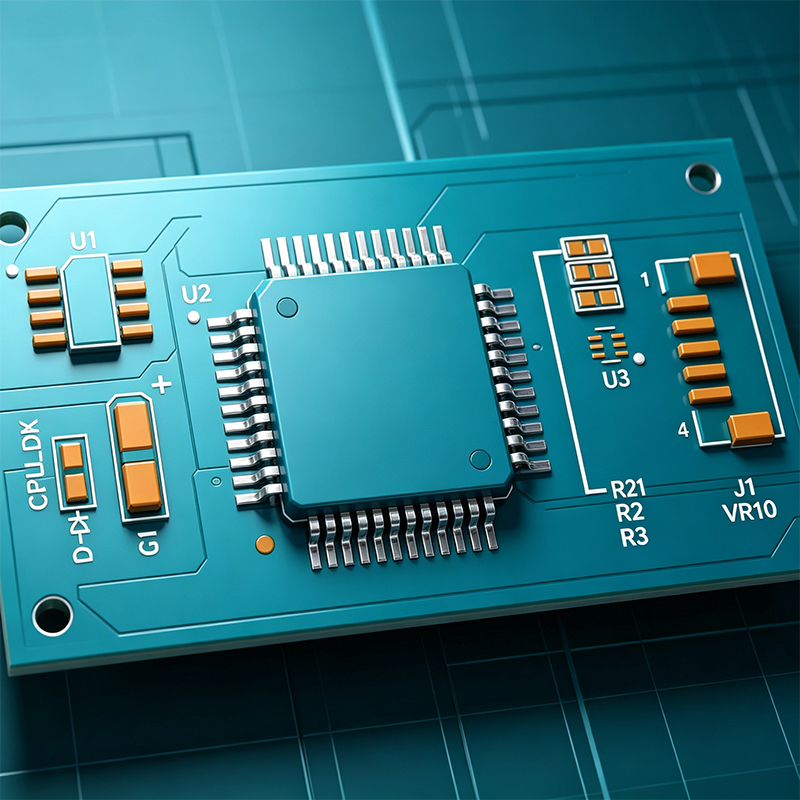
What About the Symbol?
On a circuit board or a schematic, the diode symbol looks like an arrow with a line across the tip.
The arrow points in the direction of conventional current flow (anode to cathode).
The line (bar) is the cathode.
So if you see a symbol on a PCB silkscreen, the line matches the band on the diode.
Why Does Direction Matter? Three Common Examples
1. Power supply protection
Many circuits have a diode across the power input to protect against reverse polarity. If you accidentally connect the battery backward, the diode shorts the power supply (or blows a fuse) instead of frying your expensive chip. But if you put that protection diode in backward, it will short out your power supply even when the battery is connected correctly. Not good.
2. Rectifiers (turning AC into DC)
Your phone charger takes AC (alternating current) from the wall and turns it into DC (direct current) for your battery. That job is done by diodes in a “bridge rectifier” arrangement. If you put just one diode in backward, the whole rectifier fails – you get no DC, or you get only half the waveform.
3. Flyback / freewheeling diode (for motors and relays)
When you turn off a motor or a relay, the coil creates a big voltage spike that can destroy transistors. A diode placed backwards across the coil (cathode to positive, anode to negative) gives that spike a safe path to circulate. Put the diode in forward direction, and it will short out your power supply. Poof.
How to Test Diode Direction with a Multimeter
If you’re not sure which end is which, or if the marks are worn off, a multimeter can tell you.
Set your multimeter to diode mode (the symbol with an arrow and a line, often next to the continuity setting).
Touch the red probe to one end of the diode, the black probe to the other.
Note the reading.
Swap the probes.
One direction will show a small voltage (0.5V to 0.7V for silicon diodes, 0.2V to 0.3V for Schottky). That’s the forward direction. The other direction will show “OL” (over limit) or “1” – that’s reverse bias (no current).
How to remember: Red probe on anode, black on cathode gives a reading. If you see a reading, the red probe is on the anode (positive side), black is on the cathode.
What Happens If You Put a Diode in Backward?
It depends on the circuit.
If it’s a simple series diode (e.g., blocking reverse polarity), then with the diode backward, no current flows at all. The circuit simply doesn’t work.
If it’s a rectifier diode, the circuit might only get half the AC waveform, or it might short out.
If it’s a flyback diode across a relay coil, putting it backward is like creating a short circuit from positive to ground. You could burn the diode, the transistor, or the power supply.
In many low-power circuits, a backward diode just means “no light” or “no motor”. But in power circuits, it can cause smoke. So always double-check.
Special Diodes That Behave Differently
Not all diodes follow the same rules. Here are a few exceptions where direction works differently:
Zener diode – It’s designed to conduct in reverse when the voltage reaches a certain point (the Zener voltage). In forward direction, it acts like a regular diode. So for Zeners, the cathode band still marks the cathode, but its intended use is often reverse bias.
LED (light-emitting diode) – It only lights when current flows forward. If you put an LED backward, nothing happens – no light, no damage (in most cases). But the direction still matters if you want it to light up.
Schottky diode – Same direction rules as standard diodes, but with a lower forward voltage drop (0.2–0.3V). Still has a cathode band.
A Quick Story: The Backward Diode That Killed a Robot
A student built a small robot with a motor driver. The design had a flyback diode across the motor. He put the diode in backward by accident. The robot worked fine for a few seconds. Then the motor driver chip got hot and died. Why? When the motor turned off, instead of the diode absorbing the voltage spike, the backward diode did nothing – the spike went straight into the driver chip and killed it. One simple direction mistake, one dead robot.
Diode Direction on a Breadboard
If you’re prototyping on a breadboard, look for the diode’s band. Insert it so that the band matches the circuit’s cathode node. In a schematic, that’s the side where the arrow points to the line. If you’re following a diagram, just match the band to the line in the symbol.
Can You Use a Diode in Either Direction in an AC Circuit?
In an AC circuit (like household power), the voltage alternates. A single diode will only conduct during one half of the cycle. That’s how half-wave rectifiers work. But you still can’t just flip it around – if you flip it, it will conduct on the other half-cycle. So direction still determines which half gets through.
What About the Diode’s Body Shape?
Most cylindrical diodes (like 1N400x or 1N4148) have the cathode band on one end. The band is usually closer to one lead. But the band doesn’t indicate the lead length – it’s just a paint mark. The leads themselves are symmetrical, so the band is your only visual clue. Don’t trust lead length – trust the band.
Does Temperature Affect Diode Direction?
No – the direction is fixed by how the diode is built. But temperature does affect the forward voltage drop. A silicon diode’s forward voltage decreases by about 2mV per degree Celsius as temperature rises. But the direction – which end is anode vs cathode – stays the same forever.
The Bottom Line: Always Check the Band
If you take away just one thing from this article: the band marks the cathode (negative side). Point that band toward the lower voltage (or ground) for normal forward conduction. In a schematic, the band matches the line on the diode symbol.
Remember: the arrow in the symbol points from anode to cathode – that’s the direction current flows when the diode is forward biased.
Final Checklist – Before You Solder
Does the diode have a band? Yes → band = cathode.
On the PCB, does the silkscreen have a line or a “+” sign? Match the band to the line.
If you’re unsure, use a multimeter in diode mode to confirm.
For LEDs: the cathode is the shorter lead and the flat side of the housing.
Now you know diode direction like a pro. No more backward surprises.

Kaboer manufacturing PCBs since 2009. Professional technology and high-precision Printed Circuit Boards involved in Medical, IOT, UAV, Aviation, Automotive, Aerospace, Industrial Control, Artificial Intelligence, Consumer Electronics etc..


 English



 Wechat
 +86 13670210335
 +86 13670210335
 E-mail