
Date: 2026-03-02
Ever looked at a circuit diagram and felt like you're staring at a foreign language? You're not alone. Circuit diagrams—also called schematics—are the language of electronics. And like any language, once you learn the basic symbols and rules, it starts to make sense.
Think of a circuit diagram as a map for your electronics project. It shows you how components connect, where power flows, and how signals travel from one part to another. Just like a road map helps you navigate a city, a schematic helps you navigate a circuit.
This guide will teach you how to read circuit diagrams like a pro—no engineering degree required.
A circuit diagram is a visual representation of an electrical circuit using standardized symbols. Instead of drawing pictures of resistors, capacitors, and chips, engineers use simple symbols that anyone in the industry can recognize .
The beauty of schematics is that they focus on how components connect, not what they look like physically. A 0402 chip resistor (tiny) and a through-hole resistor (huge) use the exact same symbol. That means you can design a circuit without worrying about physical dimensions—that comes later when you lay out the PCB.
Every schematic is built from a small set of basic symbols. Once you learn these, you can read most circuits.
Wire: A simple line connecting two points.
Connected wires: When two wires connect, it's shown with a dot at the junction.
No connection: If wires cross but aren't connected, there's no dot—just a bridge or one line jumping over the other.
Net labels: Instead of drawing long wires everywhere, schematics use labels. Anywhere you see "VCC" or "GND," those points are connected even if they're far apart on the page.
VCC / VDD: Positive supply voltage (often +3.3V, +5V, etc.)
VEE / VSS: Negative supply voltage
GND: Ground reference (0V). Usually shown as a triangle or three horizontal lines.
Battery: Alternating long and short lines representing cells.
Resistor: A zigzag line (or rectangle in some standards). Value is written nearby (e.g., "10k" for 10,000 ohms).
Capacitor: Two parallel lines. If one is curved, it's polarized (usually electrolytic). Value in farads (e.g., "10µF").
Inductor: A coil or series of bumps (like a spring). Value in henries (e.g., "10µH").
Diode: A triangle pointing to a line. Current flows from triangle to line. LEDs add arrows showing light.
Transistor (BJT) : Three layers—emitter, base, collector. Arrows show direction.
Transistor (MOSFET) : More complex symbol with source, gate, drain. Often has a diode symbol built in.
Operational Amplifier: A triangle with inputs (+) and (-) and output.
ICs are shown as rectangles with pin numbers and names. Pin 1 is usually marked with a dot or notch. Pins are arranged for clarity, not physical position—don't assume pin 1 is top-left on the actual chip.
Switch: Break in the line with a moving contact. Many variations (SPST, SPDT, etc.).
Connector: Often shown as a row of pins with a bracket. Headers, USB ports, audio jacks all have their own symbols.
Crystal / Oscillator: Rectangle with "XTAL" or frequency value.
Fuse: Line with a curve or "S" shape.
Test point: Circle with "TP" and number—used for probing during debugging.
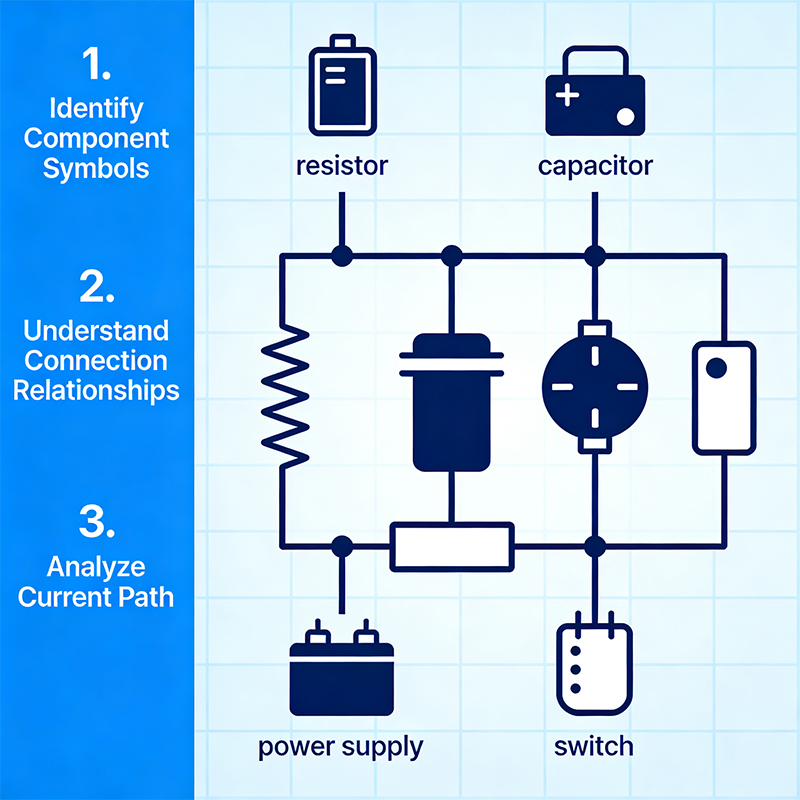
Start by locating the power symbols. Where does voltage enter the circuit? Is it battery-powered? USB? External supply? Identify VCC and GND points—everything else connects to these.
Most circuits process signals from left to right. Inputs (sensors, connectors) are usually on the left, outputs (LEDs, speakers, data lines) on the right. Follow the path from input to output, seeing how the signal gets transformed along the way.
Complex schematics group related components together. You might see a "power supply" section, a "microcontroller" section, and a "driver" section. Look for these groupings—they tell you what the circuit does.
Smart schematics use net labels extensively. Instead of drawing a wire from a microcontroller pin to five different places, the designer just labels that net "I2C_SCL" everywhere it appears. Find all instances of that label—they're connected.
When you see an IC, look up its datasheet. The schematic symbol tells you the pin names, but the datasheet tells you what those pins actually do. This is essential for understanding the circuit's function.
Follow important signals: clock lines, data buses, power routes. See what components they touch and in what order. This helps you understand timing and dependencies.
New readers focus on signal paths and forget that every chip needs power. Always check that all ICs have their power pins connected. Floating power pins mean dead circuits.
Remember: same label = same connection. "VCC" in the top-left and "VCC" in the bottom-right are connected, even if no line joins them on paper.
IC symbols often rearrange pins for schematic clarity. Pin 1 might be drawn in the middle of the symbol. Always trust the pin number, not the position on the page.
Digital inputs often need resistors to keep them at a known state when nothing's driving them. Missing these can cause erratic behavior. Look for resistors connected to VCC or GND near input pins.
Every IC should have a small capacitor (usually 0.1µF) near its power pins. If you see an IC without one, that's suspicious. These caps filter noise and keep the chip stable.
For complex schematics, having a paper copy lets you mark things up. Highlight power rails, circle important components, draw arrows for signal flow.
Color-code your print: red for power, black for ground, blue for signals, green for test points. This makes the circuit much easier to follow.
Start with the big picture: what does this board do? Then zoom in on individual sections. Then examine specific component connections. Three levels of detail help you build understanding without getting overwhelmed.
If you have the PCB files, switch between schematic and layout. Seeing how the theoretical connections become physical traces reinforces your understanding.
Every component has a purpose. If you don't understand why something is there, ask—or look it up. Understanding the reason behind a component teaches you more than just recognizing it.
Let's walk through a typical schematic for an Arduino-style board:
Power section: USB input goes to a voltage regulator, which outputs 5V and 3.3V. Capacitors smooth the output. Power LED shows it's on.
Microcontroller: The main chip with dozens of pins. VCC and AVCC pins connect to power. GND pins connect to ground. A crystal connects to XTAL pins for timing.
Programming header: Six pins in a row, connected to specific microcontroller pins (RESET, VCC, GND, MOSI, MISO, SCK). This is how you upload code.
Input/Output: Headers bring out all the I/O pins to the edges. Each pin might have a small resistor for protection.
Reset circuit: A button connected to the RESET pin, with a pull-up resistor to keep it high normally. Pressing it pulls the pin low, resetting the chip.
Status LED: Connected to one I/O pin through a current-limiting resistor. When the pin goes high, the LED lights.
See how each section has a clear purpose? That's good schematic design.
Digital schematics focus on logic levels and data flow. You'll see lots of ICs, buses, and control signals. Power and ground are everywhere. The main concern is making sure all chips talk to each other correctly.
Analog schematics care about voltages and currents. You'll see more resistors, capacitors, and transistors. Component values matter a lot. Noise and interference are big concerns.
Mixed-signal schematics combine both. You'll see analog front ends feeding into ADCs, then digital processing. These require careful separation of analog and digital grounds.
Some signals are active when low, not high. They're marked with a bar over the name or a # after it (RESET, or RESET#). When you see a bar, remember: 0V = active, 5V = inactive.
When many signals travel together (like an 8-bit data bus), schematics show them as a thick line with a label like "D[0..7]" or "DATA_BUS". Individual wires branch off to specific pins.
Complex schematics span multiple pages. Port symbols (like triangles or arrows) show connections to other sheets. "Off-sheet" connectors have matching labels across pages.
Circles labeled "TP1", "TP2" etc. These are places you can probe during debugging. Smart designers put test points on important signals.
A schematic is just the first step. Once the circuit is designed, engineers use software to:
Create a netlist: A list of all connections extracted from the schematic.
Place components: Arrange physical parts on a virtual board.
Route traces: Draw copper connections between components according to the netlist.
Generate Gerbers: Manufacturing files that PCB fabs use to make the actual board.
The schematic ensures the logic is right. The PCB layout ensures the physical implementation works.
Like any skill, reading schematics improves with practice. Start with simple circuits—an LED flasher, a voltage regulator, a basic amplifier. Work your way up to microcontroller boards, power supplies, and communication interfaces.
Download schematics for open-source hardware. Arduino, Raspberry Pi Pico, and many other projects publish full schematics. Study them. See how professionals lay out their designs.
Before long, you'll look at a schematic and see not just symbols, but the circuit itself—how it works, why it's built that way, and where to look when something's wrong.
Reading circuit diagrams is an essential skill for anyone working with electronics. It's the language we use to communicate designs, debug problems, and build things that work.
Start with the basics: learn the symbols, follow the power, trace the signals. With practice, schematics will go from mysterious drawings to clear roadmaps that guide you through any circuit.
Remember: every expert was once a beginner. The schematic that looks confusing today will be second nature tomorrow. Keep studying, keep practicing, and soon you'll be reading circuits like a pro.

Kaboer manufacturing PCBs since 2009. Professional technology and high-precision Printed Circuit Boards involved in Medical, IOT, UAV, Aviation, Automotive, Aerospace, Industrial Control, Artificial Intelligence, Consumer Electronics etc..


 English



 Wechat
 +86 13670210335
 +86 13670210335
 E-mail