
Date: 2026-05-04
We’ve all been there. You put on your favorite vinyl or cue up a high-res track, and something just feels... dull. The highs aren't crisp, and the mids feel like they’re underwater. If your speakers are more than a decade old, the culprit isn't usually the drivers. It’s the crossover—specifically, those aging capacitors.
Replacing a capacitor on a crossover circuit board is probably the single most effective way to "refresh" an old audio system. But before you grab your soldering iron, let’s talk about how to do it without ruining your gear.
Capacitors in crossovers act like traffic cops. They tell the high frequencies where to go and keep the lows where they belong. Over time, electrolytic capacitors dry out.
The Look: If you see any bulging at the top or a crusty leak at the base, it's dead. Change it.
The Sound: If your tweeter is silent or your speaker sounds "muddy," the capacitor has likely shifted in value (uF) or its ESR (Internal resistance) has skyrocketed.
Here’s where most people mess up. You can’t just toss any capacitor in there.
Value (uF): This must match exactly. If it says 4.7uF, buy a 4.7uF. Changing this changes the crossover frequency—and usually for the worse.
Voltage (V): You can go higher, but never lower. If the old one is 50V, a 100V cap is perfectly fine (and often better).
Type Matters: Most old crossovers use "Non-Polarized (NP)" electrolytic caps because they’re cheap. If you want a real upgrade, look for Polypropylene Film capacitors. They last forever and generally sound much cleaner.
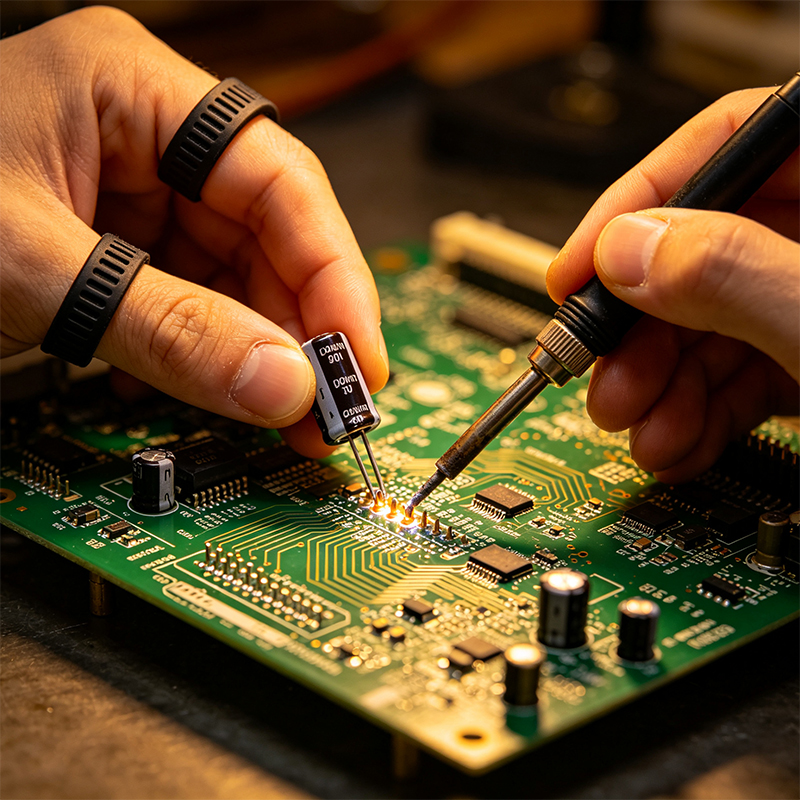
When you’re replacing a capacitor on a crossover circuit board, the board itself can be a bit tricky. Unlike high-speed HDI boards, crossover PCBs often have thick copper traces to handle current.
Desoldering: Use a solder sucker or some high-quality wick. These old joints can be stubborn, so adding a bit of fresh leaded solder first usually helps the old stuff melt faster.
Mind the Orientation: If you’re using a standard electrolytic cap, double-check if it’s "Non-Polarized." In audio crossovers, they almost always are. If you accidentally put a polarized cap in an AC signal path, it might go pop.
Mechanical Stability: Capacitors in speakers vibrate. A lot. Once you’ve soldered the new one in, a tiny dab of neutral-cure silicone or hot glue can keep it from vibrating and breaking the solder joints later.
Don't expect it to sound "perfect" in the first five minutes. New film capacitors often need a few hours of "break-in" time. But once they settle, you’ll notice the "vail" has been lifted from your speakers.

Kaboer manufacturing PCBs since 2009. Professional technology and high-precision Printed Circuit Boards involved in Medical, IOT, UAV, Aviation, Automotive, Aerospace, Industrial Control, Artificial Intelligence, Consumer Electronics etc..


 English



 Wechat
 +86 13670210335
 +86 13670210335
 E-mail