
Date: 2026-04-30
So, you’ve unplugged your device, and you think you’re safe to start poking around inside? Think again.
In the world of electronics, a capacitor is like a tiny, high-speed water tank for electricity. Even when the power is off, that tank can stay full for hours, days, or even weeks. Touching a charged capacitor can give you a nasty bite—or worse, a dangerous shock.
Let's talk about how to discharge a capacitor the right way, so you can keep your project (and your heart rate) under control.
Capacitors are designed to store energy and dump it quickly when needed. In things like old microwave ovens, CRT monitors, or even high-end audio amplifiers, these components can hold hundreds of volts. Just because the plug is pulled doesn't mean the "fuel" is gone. Discharging is simply the process of letting that stored energy leak out safely.
Before we grab any tools, let's set some ground rules:
The One-Hand Rule: Whenever possible, keep one hand in your pocket. This prevents electricity from traveling through your chest (and your heart) if you accidentally touch something live.
No Jewelry: Take off those rings and watches. Metal is a highway for electricity, and you don't want to be part of the road.
Insulated Tools: Only use tools with thick rubber or plastic handles rated for high voltage.
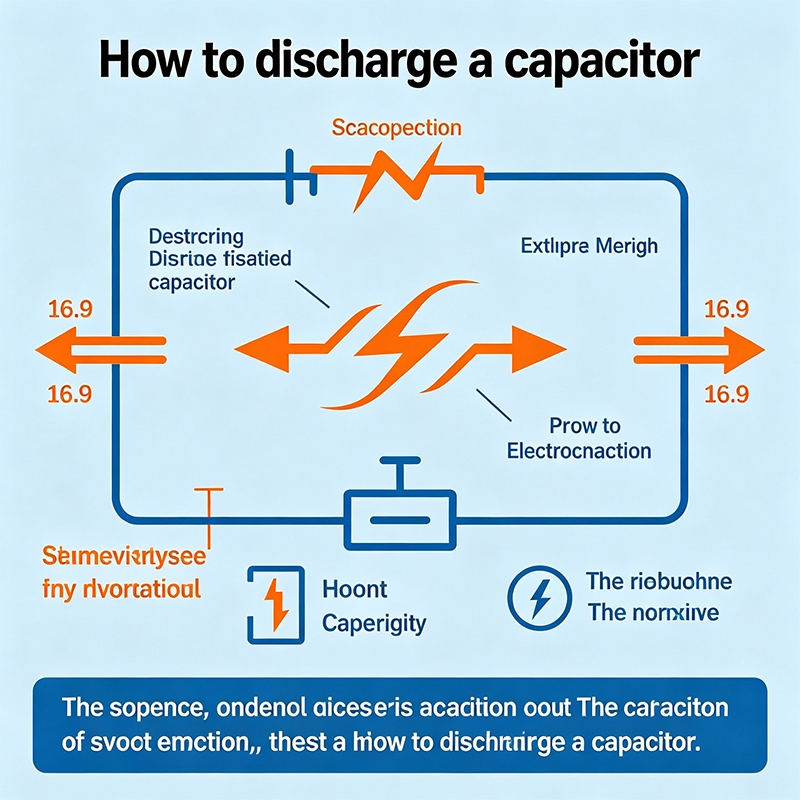
The safest way to drain a capacitor is to give the electricity a "controlled exit." We do this using a resistor.
Pick your resistor: A 5-watt, 20k-ohm resistor works for most small-to-medium electronics.
The Setup: Attach insulated alligator clips to both ends of the resistor.
The Drain: Clip one end to a ground point (or one terminal of the capacitor) and the other to the opposite terminal.
Wait: Hold it there for about 10–20 seconds. The resistor will turn that electrical energy into a tiny bit of harmless heat.
You’ve probably seen "old school" guys just slap a screwdriver across the two terminals. Please, don't do this.While it does discharge the capacitor, it creates a massive spark and a loud "pop." This sudden surge can damage the capacitor, ruin the nearby traces on your PCB, or even weld the tip of your screwdriver to the board. Plus, if the capacitor is big enough, it can explode. It’s just not worth the risk.
Never guess if a capacitor is empty. Grab your multimeter and set it to DC Voltage.
Touch the probes to the terminals.
If the reading is near zero (usually under 1 or 2 volts), you’re good to go.
If it’s still showing high numbers, repeat the resistor process.
Whether you are working on a simple DIY kit or a complex HDI high-speed circuit board, respecting stored energy is the mark of a pro. At our facility, where we handle everything from Flex PCBs to PCBA, safety and precision are our top priorities.
Stay safe, take your time, and always double-check that "empty" tank!

Kaboer manufacturing PCBs since 2009. Professional technology and high-precision Printed Circuit Boards involved in Medical, IOT, UAV, Aviation, Automotive, Aerospace, Industrial Control, Artificial Intelligence, Consumer Electronics etc..


 English



 Wechat
 +86 13670210335
 +86 13670210335
 E-mail