
Date: 2026-04-24
You’ve finished your project, the LEDs are blinking, and everything seems perfect. Then, two days later, it just stops. You tap the board, and it works again. Tap it again—dead. Welcome to the frustrating world of the cold solder joint.
In the world of electronics, a cold solder joint is like a bad relationship: it looks okay from the outside, but there’s no real connection underneath. Let’s dive into why these happen and how you can stop them from sabotaging your hardware.
Normally, when you solder, the metal melts completely and flows like water, bonding with the copper pad. A cold solder joint happens when the solder doesn't melt thoroughly. Instead of a smooth, shiny "volcano" shape, you get a lumpy, dull, and grainy mess.
It might conduct electricity for a while, but it’s brittle. The moment the board gets warm or vibrates, that tiny connection cracks, leaving you with an intermittent failure that is a nightmare to debug.
Most cold joints aren't caused by bad luck—they’re caused by physics.
Low Iron Temperature: If your soldering iron isn't hot enough, the solder just turns into a "paste" instead of a liquid. It "sits" on the pad instead of bonding with it.
Moving Too Fast: If you bump the component while the solder is still cooling down (the "disturbed joint"), the internal structure of the metal fractures.
Dirty Pads: If there’s oxidation or grease on the PCB, the solder will literally roll off like water on a wax car.
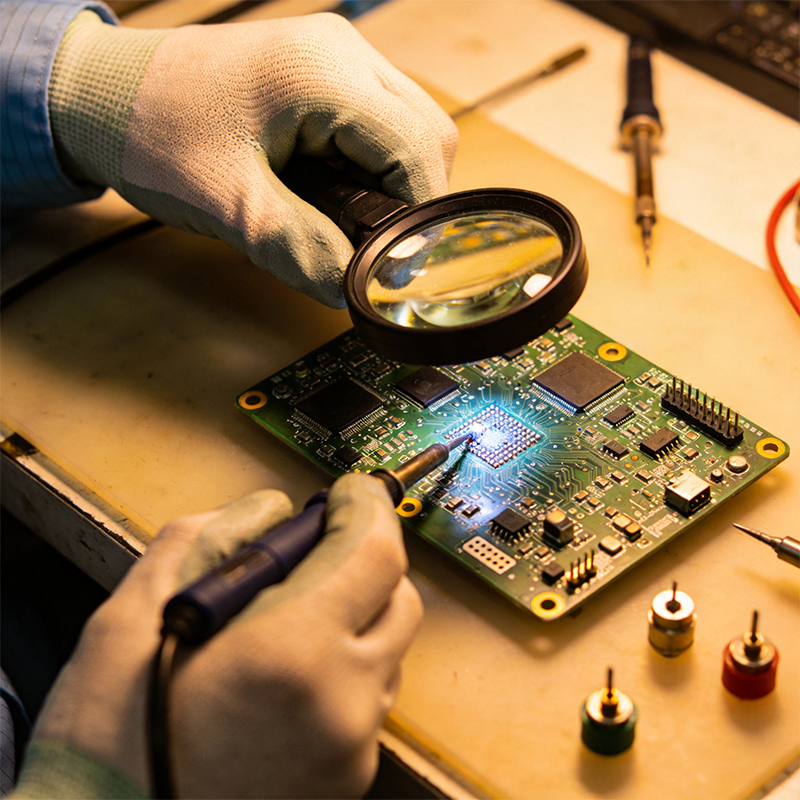
In 2026, with components getting smaller and smaller, you can't always rely on the naked eye.
The Look Test: A good joint is shiny and concave. A cold joint is dull, grey, and convex (like a ball).
The "Wiggle" Test: Use a pair of fine tweezers. Gently push the component. If the pin moves but the solder stays still, you’ve found your ghost.
Magnification: If you’re working on HDI boards, you’ll need a microscope. Look for tiny hairline cracks around the base of the pin.
Don't just keep piling on more solder! That’s a rookie mistake.
Add Flux: This is the magic juice. Flux removes oxidation and helps the heat flow.
Clean the Tip: A dirty iron tip won't transfer heat.
Reheat and Reflow: Touch the iron to both the pin and the pad. Wait until you see the solder "snap" into a liquid state and flow smoothly. Sometimes, adding a tiny bit of fresh solder helps the heat transfer.
As we move toward more Rigid-Flex and High-Density Interconnect (HDI) designs, the margin for error is zero. In our factory, we see that automated reflow ovens need perfect thermal profiles. If the "soak" time is too short, you get an entire batch of cold joints. Using high-quality solder paste with the right silver content is no longer optional—it's a requirement for 2026 reliability.

Kaboer manufacturing PCBs since 2009. Professional technology and high-precision Printed Circuit Boards involved in Medical, IOT, UAV, Aviation, Automotive, Aerospace, Industrial Control, Artificial Intelligence, Consumer Electronics etc..


 English



 Wechat
 +86 13670210335
 +86 13670210335
 E-mail