
Date: 2026-03-17
If you're reading this, you probably already know what a PCB is. You've sourced them, specified them, maybe even repaired them. But designing one from scratch? That's a different beast entirely.
I remember the first board I ever designed. I had the schematic all figured out, the components picked, and I felt ready. Then I started laying it out and realized—this is a whole different puzzle. Where do the parts go? How thick should these traces be? Why does my power line look like a spaghetti noodle?
The good news is, learning how to design a PCB isn't rocket science. It's a process. Once you understand the steps and the reasoning behind them, it starts to click.
Whether you're looking to bring prototyping in-house or just want to understand what your design team is dealing with, this guide will walk you through the practical side of taking a circuit from an idea to a board you can hold in your hand.
This is the part everyone skips, and it's usually why things go wrong. Before you even launch your CAD tool, you need to get clear on a few things.
Know what the board needs to do. Sounds obvious, right? But it's more than just "it's a power supply." Ask yourself: What are the input and output voltages? How much current? What environment will it live in? A board in a temperature-controlled lab is different from one bolted inside a car engine .
CERN has a great way of framing this: write a functional specification. Basically, a document that answers "what does the hardware need to do?" and a validation plan that answers "how will I prove it works?" . It feels like paperwork, but it saves you from designing something that does the wrong thing perfectly.
Choose your software. This is a whole topic on its own. The tool you pick matters. If you're just starting out or doing simpler boards, KiCad is a fantastic, free, open-source option with a huge community . For more complex, professional work, tools like Altium Designer or OrCAD X are the industry standards, offering advanced simulation and high-speed routing features . There's also EasyEDA if you like a cloud-based tool that integrates with manufacturing . Don't overthink it; just pick one and learn it.
Think of the schematic as the logical map. It doesn't care about the physical size of the parts or where they sit on the board. It just cares about how they're connected.
This is where you place symbols for every resistor, capacitor, and IC, and draw wires (nets) between their pins. Most software has huge libraries of components, but you'll often need to create your own symbols and, critically, match them to the correct physical footprint .
A clean schematic is a gift to your future self. Label your nets, group related circuitry, and add comments. When you're debugging a board six months from now, you'll be grateful.
Before you place a single part on the board, you need to decide on your layer stackup. This is the structural foundation.
2-layer boards are the workhorse for simple, low-speed designs. You have a top and bottom layer for signals and usually pour copper on both for ground and power.
4-layer boards are the go-to for most modern, reliable designs. You typically have signals on the top and bottom, and solid internal planes for ground and power. This does wonders for signal integrity and reducing noise .
6+ layers are for high-speed, dense designs where you need multiple routing layers and dedicated power planes .
Your stackup determines your trace impedance, which is critical for high-speed signals like USB or Ethernet.
You can't just throw parts on a board and hope for the best. Placement is everything. It dictates how easy the board will be to route, how well it performs, and even how easy it is to assemble.
Here's the trick: start with the connectors. They're often fixed by the enclosure. Then, place your most critical components—the main microcontroller, the processor—close to them .
Once the big stuff is down, here are a few placement rules I've learned the hard way:
Decoupling capacitors need to be as close as physically possible to the power pins of ICs. If they're far away, they don't work. That's not an opinion; it's physics .
Think about signal flow. Arrange your circuit in blocks. If your signal goes from an input connector, through an amplifier, to a processor, to an output driver, try to place those blocks in a line so the traces can be short and direct .
Keep noisy and sensitive stuff apart. High-speed digital lines and switching power supplies can wreak havoc on sensitive analog signals. Keep them separated physically .
Think about assembly. Leave enough space between components for the pick-and-place machine's nozzle and for inspection. And don't forget to add fiducial marks—those little copper targets that help the machine's vision system know exactly where the board is .
Now the real puzzle begins. Routing is the art of connecting all those pads with copper traces according to your schematic.
Start by routing your most critical signals first. That usually means high-speed clocks, differential pairs (like USB), and sensitive analog lines . Give them the cleanest, most direct path.
Here are some core routing principles that will save you from a noisy, non-functional board:
Avoid right angles. Use 45-degree angles or curves. Sharp corners can act as little antennas and cause manufacturing issues .
Mind your trace widths. A trace carrying a power signal needs to be wider than one carrying a logic signal to handle the current. Use a PCB calculator to figure out the right width for your current needs and to control impedance .
Keep traces short and direct. This is the golden rule. Longer traces mean more chance to pick up noise and more signal degradation .
Consider the return path. Every signal travels out on a trace and returns through the ground plane. Make sure it has a nice, solid, uninterrupted ground plane to come back to. Don't slice up your ground plane with traces, or you'll force the return current to take a long, noisy detour .
For differential pairs (like USB, HDMI), keep them tightly coupled and length-matched. This means routing them right next to each other and making sure the traces are exactly the same length so the signals arrive together .
Once your signals are routed, you'll want to pour copper for your power and ground nets. Instead of routing a thick trace for 5V everywhere, you "pour" a solid area of copper that acts as a low-resistance, low-inductance path.
On a 2-layer board, you might pour ground on the bottom and 5V on the top (if there's space). On a 4-layer board, you'll have dedicated internal planes, which is far better for performance .
This is the step that separates a successful project from a pile of scrap. DFM means checking that your design can actually be built by a real factory.
You need to ensure things like :
Trace widths and spaces are within the manufacturer's capabilities (e.g., 5 mils is a common minimum).
Drill sizes are standard and your annular rings (the copper ring around a hole) are big enough.
Copper is kept away from the board edge to prevent shorts during depaneling.
You have solder mask "bridges" between fine-pitch IC pads to prevent solder shorts.
The best way to do this? Before you send your files off, use a free DFM tool. Many manufacturers offer them. You upload your Gerbers, and it will flag any potential issues . It's like having a manufacturing expert look over your shoulder before you commit.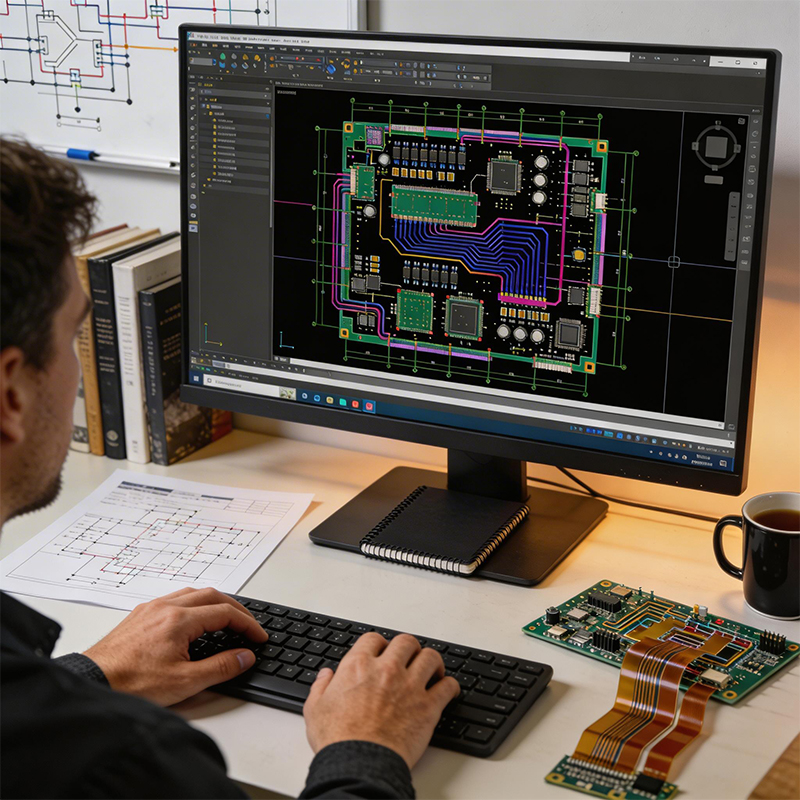
The final step in the design phase is to generate the files the manufacturer needs. The standard is Gerber files (RS-274X format) for the board layers and Excellon files for the drill data . You'll also need to provide a Bill of Materials (BOM) that lists every component needed for assembly.
And that's it. You've designed a PCB.
Of course, designing the board is only half the journey. Getting it built right, with the right components, and tested to ensure it works—that's where a reliable manufacturing partner makes all the difference.
At Kaboer, we've been turning designs like yours into real, working boards since 2009. We're based in Shenzhen, and we specialize in everything from standard rigid boards to complex flexible circuits, rigid-flex, and HDI high-frequency PCBs.
We know that a great design deserves great manufacturing. That's why we offer fast prototyping to help you validate your work and our own PCBA factory to ensure every component is placed precisely. And if you're ever in Shenzhen, we'd be happy to show you around and walk you through how we bring designs to life.
If you have a PCB design ready to go, or if you want to talk through your project with a team that understands the details, send us your files or requirements. We'll review your design, give you honest feedback, and get back to you with a quote.

Kaboer manufacturing PCBs since 2009. Professional technology and high-precision Printed Circuit Boards involved in Medical, IOT, UAV, Aviation, Automotive, Aerospace, Industrial Control, Artificial Intelligence, Consumer Electronics etc..


 English



 Wechat
 +86 13670210335
 +86 13670210335
 E-mail