
Date: 2026-02-27
Ever wonder why some electronic devices last for years while others fail after a few months? Often, the answer lies in how well the components are soldered to the circuit board. And at the heart of good soldering is one critical factor: temperature.
Soldering temperature isn't just a number you dial in and forget. It's a carefully controlled variable that changes depending on what you're soldering, how you're soldering it, and what materials you're using. Get it right, and you get strong, reliable connections that last. Get it wrong, and you're looking at cold joints, damaged components, or boards that fail in the field .
This guide breaks down everything you need to know about PCB soldering temperatures—from the numbers you need to hit to the risks you need to avoid—all in plain language.
Think of solder as a special kind of "metal glue." Like any glue, it needs the right conditions to form a strong bond. Too cold, and it won't flow properly, leaving you with weak, grainy connections (what engineers call "cold joints"). Too hot, and you risk damaging components, lifting pads off the board, or even delaminating the PCB layers themselves .
Different soldering methods have different temperature requirements. A soldering iron used for hand work operates in a different range than a reflow oven that's baking hundreds of components at once. And lead-free solder needs more heat than the old lead-based stuff .
Let's look at each method separately.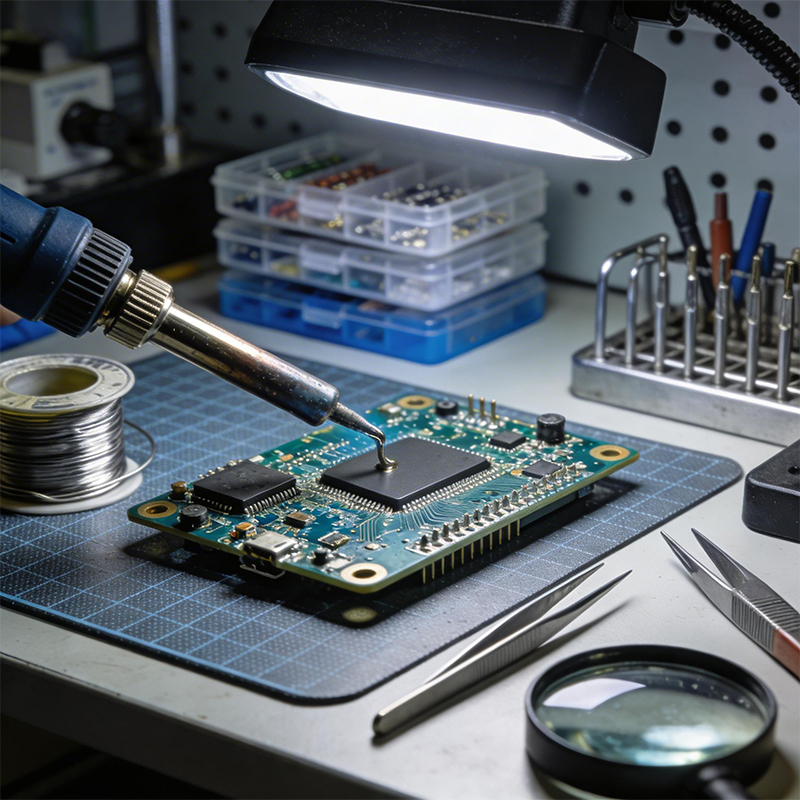
Reflow soldering is the workhorse of modern electronics assembly. It's what happens when boards go through those long ovens on the production line. The temperature isn't constant—it follows a carefully designed profile with several stages .
The Four Stages of Reflow:
Preheat: The board is gradually warmed up, typically at 1-3°C per second, until it reaches around 100-150°C . This gentle ramp prevents thermal shock—imagine throwing a cold glass into hot water and watching it crack. The board needs time to adjust.
Soak: The temperature holds steady between 150-200°C for about 60-120 seconds . This gives the flux time to activate and clean the metal surfaces, and allows the whole board to reach the same temperature. Big components heat up slower than tiny ones—the soak stage lets them catch up .
Reflow: This is the main event. The temperature spikes above the solder's melting point. For lead-free solder (the common SAC305 alloy), the peak temperature typically hits 240-260°C . The board stays in this zone for just 30-90 seconds—long enough for the solder to melt and form strong metallurgical bonds, but not so long that components get damaged .
Cooling: The board is cooled at a controlled rate of about 4-6°C per second . This solidifies the solder into a fine-grain structure that's strong and reliable. Cool too slowly and the joints can be brittle; cool too fast and you risk thermal shock.
IPC standards (the industry guidelines) recommend a peak temperature of 235-245°C for lead-free reflow, with time above liquidus (TAL) of 30-90 seconds .
Wave soldering is used for components with leads that go through holes in the board. The board passes over a fountain ("wave") of molten solder, which wicks up through the holes to form the joints.
The solder pot temperature is typically set around 288 ± 5°C . But the actual temperature the board experiences is lower—usually 240-260°C on the soldering surface . Preheating is essential here too, bringing the board to around 100-150°C before it hits the wave to reduce thermal stress .
When you're sitting at a bench with a soldering iron, you have more control but also more room for error. For most work, set your iron between 240°C and 280°C .
For large components with high thermal mass—things that suck heat away quickly—you might need to go higher, up to 350-370°C . But never exceed 390°C , and keep your contact time short, ideally under 3-5 seconds per joint .
The trick is to heat the joint, not just the solder. Touch the iron to both the pad and the component lead, then feed solder into the joint. If you're doing it right, the whole process takes just a couple of seconds.
Sometimes you need to solder specific areas without heating the whole board. Selective soldering uses a focused wave or a miniaturized iron to target only the spots that need solder. Temperatures are similar to wave soldering—around 300-320°C for lead-free work—but the exposure time is carefully controlled to protect nearby components .
The solder itself determines the temperatures you need to work with.
| Solder Type | Common Alloy | Melting Point | Notes |
|---|---|---|---|
| Leaded | Sn63/Pb37 (63% tin, 37% lead) | 183°C | Easy to work with, shiny finish, but restricted by RoHS |
| Lead-Free | SAC305 (Sn/Ag/Cu) | 217-221°C | Industry standard, higher melting point, matte finish |
| High-Temp | Various | >260°C | Used for applications that must survive subsequent soldering steps |
Leaded solder is more forgiving—it flows better and has a wider process window. But environmental regulations (RoHS) have made lead-free the default for most commercial products. Lead-free requires higher temperatures and tighter control .
Excessive heat causes all kinds of problems :
Component damage: Chips have maximum temperature ratings. Exceed them, and you can destroy internal junctions or change their electrical characteristics.
Pad lifting: The copper can actually peel off the board if you overheat it, especially on thin or low-quality substrates.
Delamination: The layers of the PCB can separate—a fatal defect that's invisible until the board fails.
Intermetallic growth: Too much heat creates thick, brittle intermetallic layers that weaken joints over time.
Solder joint deformation: The joint can look "burned" or distorted.
Not enough heat is just as bad :
Cold joints: The solder doesn't melt completely, leaving a dull, grainy, or cracked connection. These joints are mechanically weak and electrically noisy.
Poor wetting: The solder balls up instead of spreading, failing to bond properly with the pad or lead.
Incomplete melting: Especially with lead-free solder, insufficient heat means the paste never fully liquefies.
Tombstoning: A small component can stand up on one end if the solder on one pad melts before the other .
Even if the peak temperature is right, how you get there matters. Rapid heating or cooling creates thermal stress. Materials expand and contract at different rates—copper, FR-4 epoxy, silicon chips all have different coefficients of thermal expansion (CTE). If the temperature changes too fast, these materials pull against each other and can crack .
This is why preheating and controlled cooling aren't optional—they're essential for reliability.
The more layers a board has, the more thermal mass it carries. Thick boards need longer soak times to let heat penetrate to the inner layers. The risk of delamination also increases with layer count, so temperature control becomes even more critical .
Power electronics often use boards with heavy copper (2 oz, 4 oz, or more). These require higher soldering temperatures and longer times because the copper acts as a heat sink, pulling energy away from the joint.
Flex PCBs use polyimide instead of FR-4. They're thinner and more heat-sensitive. Soldering temperatures need careful control to avoid melting or degrading the flexible substrate.
Some components—LEDs, sensors, connectors with plastic housings—can't take high heat. You might need to use lower-temperature solders (there are specialty alloys that melt around 180°C) or protect sensitive areas with thermal barriers during assembly .
Follow the datasheet. Solder paste manufacturers provide recommended profiles for their products. Start there and adjust based on your specific board.
Use a thermocouple. When setting up a reflow oven, attach fine thermocouple wires to your board—on pads, under large components—and measure what's actually happening. The oven's display tells you air temperature; the board's temperature can be different.
Check your iron regularly. Soldering iron tips wear out, and temperature readings drift. Use a tip thermometer to verify your iron is actually at the temperature you set.
Pre-tin both surfaces. When hand soldering wires, tin the wire and tin the pad separately before joining them. This ensures both reach temperature quickly and bond properly .
Control the environment. Drafts can cool joints during hand soldering. Humidity can affect flux activation. A controlled workspace makes consistent results easier.
Let things cool. If you rework a joint, wait at least 30 seconds before trying again. Repeated heating without cooldown stresses the board and components .
Several industry standards define acceptable soldering temperatures and processes:
IPC J-STD-001: The primary standard for soldered electrical assemblies. It defines acceptable temperature profiles and inspection criteria .
IPC-A-610: The acceptability standard for electronic assemblies—what good solder joints should look like.
IPC 9502: Provides process simulation guidelines for component compatibility, though it predates widespread lead-free use .
For high-reliability applications like aerospace or medical devices, additional standards apply. ECSS-Q-ST-70-38, for example, defines requirements for space-grade soldering .
PCB soldering temperature isn't something you guess at. It's a precisely controlled parameter that directly affects the quality, reliability, and lifespan of your electronic products.
Remember the key numbers:
| Method | Typical Temperature Range |
|---|---|
| Reflow (lead-free peak) | 240-260°C |
| Reflow (leaded peak) | 210-240°C |
| Wave soldering (pot) | 288 ±5°C |
| Wave soldering (board) | 240-260°C |
| Hand soldering (general) | 240-280°C |
| Hand soldering (large parts) | 350-370°C (max 390°C) |
But more important than any single number is understanding the whole thermal process. Preheat, soak, reflow, cool—each stage matters. Control the whole profile, not just the peak.
And when in doubt, test. Measure actual board temperatures, inspect your joints, and adjust until you get it right. Your customers—and your products—will thank you.

Kaboer manufacturing PCBs since 2009. Professional technology and high-precision Printed Circuit Boards involved in Medical, IOT, UAV, Aviation, Automotive, Aerospace, Industrial Control, Artificial Intelligence, Consumer Electronics etc..


 English



 Wechat
 +86 13670210335
 +86 13670210335
 E-mail